Elevate Every Training Session
Training Made Simple
Whether you're a competitive rower checking your own rating or a coach working with several crews, Strokes Per Minute gives you the stroke rate the moment you need it. Measure, hear the rating spoken aloud, and compare previous readings without taking your eyes off the boat.
- Easy Stroke Rate Calculation
- Tap to start, tap after the selected number of strokes, and see strokes per minute and seconds per stroke instantly. Measure over 3 strokes by default, raise the count for longer pieces, or use continuous mode to rate stroke after stroke.
- Stroke Rate History
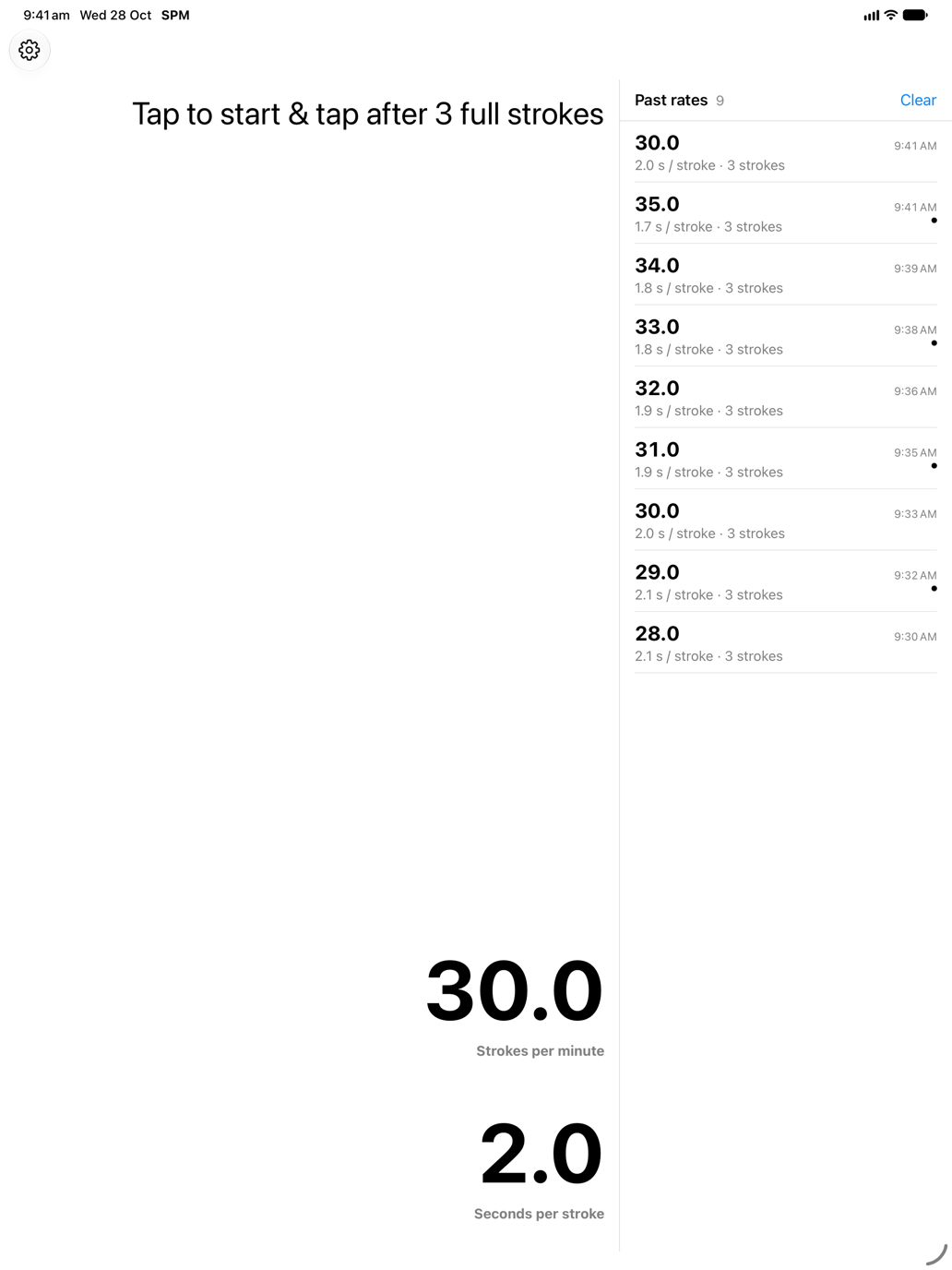
- New in version 4.8. On iPad, iPhone Duo and other wide layouts, your previous readings sit in a column beside the timer, so you can compare rates across a session at a glance.
- Smart Feedback Options
- Get your stroke rate exactly when you need it - feel a vibration when your rate is calculated or hear it spoken aloud. Keep your eyes on the crew without checking your phone.
- Designed for Apple Devices
- Large, readable numbers on iPhone, iPad and Apple Watch, in light or dark mode. Layouts adapt when you fold or rotate iPhone Duo, and the Watch app gives coxes a simple stroke-rate display on the wrist.
- 33 Languages
- Use the app in 33 languages, making it the ideal rowing app for international squads, visiting coaches and clubs with rowers from everywhere.
- Private by Design
- Your rowing measurements stay on your device. Stroke rates and timing events are never sent to analytics, and the app carries no advertising.
Built for Every Seat & Bank
One Instrument Across the Boat Park
From the coach's launch to the coxswain's seat and the indoor erg room, Strokes Per Minute adapts to how you time a piece.
 iPad & iPhone Duo
For rowing coaches
The rate, from the bank.
Tap at the catch, hear the rating spoken aloud, and compare the last readings side by side in the Past rates column on iPad.
Explore coaching workflow
For coxswains
Rate on the wrist.
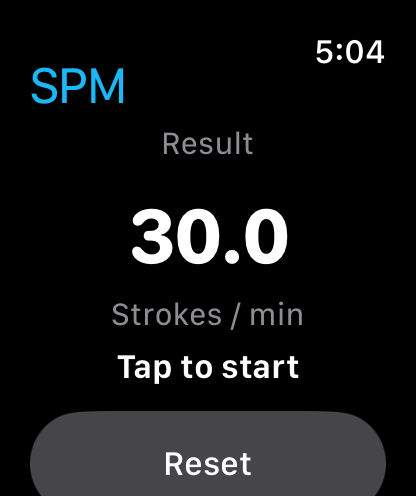
Hands on the rudder, eyes on the course. Get the crew's stroke rate with a tap on your wrist so you can call the change immediately.
Explore coxswain workflow
 iPhone · Dark Mode
For indoor rowing
Rate the erg from behind.
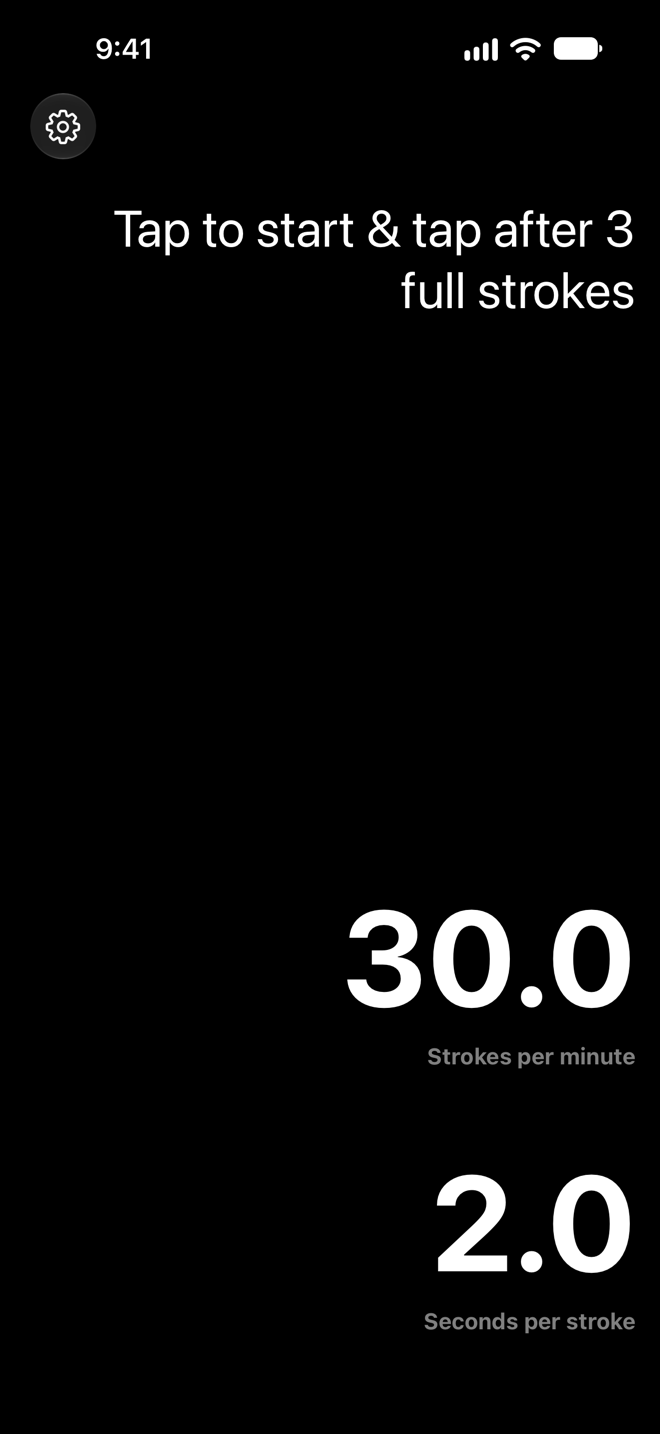
Walk the line of rowing machines and rate any athlete over three full strokes without craning to read their monitor.
Explore erg room workflow
Frequently asked questions
- What should my strokes per minute be?
- For steady-state training, aim for 18-22 strokes per minute. Racing stroke rates typically range from 30-38 SPM. Our app helps rowing coaches and rowers maintain consistent stroke rates during training.
- How does the app calculate strokes per minute?
- Tap to start, count the selected number of complete strokes, then tap again. The app shows both strokes per minute and seconds per stroke. By default it measures over 3 strokes for quick feedback, and you can raise the stroke count for longer measurements. In continuous mode each tap finishes one measurement and starts the next, so you can rate piece after piece without stopping.
- Can I see my previous stroke rates?
- Yes. Since version 4.8, iPad, iPhone Duo and other wide layouts show your previous readings in a column beside the timer, so you can compare rates across a session without leaving the screen.
- Is Strokes Per Minute free?
- The app is free to download. Ongoing use needs an annual subscription, which starts with a 3-day free trial, or a one-time lifetime purchase. Prices are shown in your local currency in the app and on the App Store. Anyone who bought the app before it moved to free-to-download in August 2022 keeps full access, and you can restore a purchase from the app's settings on any of your devices.
- Is there an app for rowing stroke rate?
- Yes! Our app provides accurate stroke rate calculations for iOS devices. Whether you're training alone or working with coaches, you'll get the precise stroke count and rate data you need to improve your rowing technique.
- How do I install the app?
- Download the app from the Apple App Store on your iPhone or iPad. The Apple Watch app installs alongside it. The installation process is quick and easy - you'll be tracking your stroke rate in minutes.
- Why are 3 strokes needed to calculate stroke rate?
- The number of strokes used to calculate stroke rate is customisable within the app. By default the app uses three strokes to allow for any difference in speed between strokes to be accounted for and provide a more accurate measurement.
- How do I make the app speak the rating?
- Within the apps settings on iPhone & iPad it is possible to enable the speak the rating feature. When enabled the app will speak the rating each time the rating is calculated. When coaching rowing this feature gives you the ability to maintain your focus on good technique while continuing to monitor the stroke rate to ensure it is within the desired range. This feature is not currently available on Watch.
- How do I change the number of strokes required to calculate the rating?
- It is possible to use a higher stroke rate or lower stroke rate within the app. The number of strokes used can be change within the apps settings. Generally we would not recommend changing this setting as it may lead to a decrease in the accuracy of the measurement. This feature is not currently available on Watch.
- Can the app be used in a race?
- The app and mobile devices should not be used within a boat during a regatta, to avoid any rule violations. Coaches may be able to use the app from the bank to monitor the stroke rate of their crew during a race.
Elevate Your Coaching
Trusted by rowing coaches, coxes and athletes since 2014. Download Strokes Per Minute and try it free for 3 days.