
For dragon boat, kayak & outrigger
Lock in the paddle rate.
From a 75-stroke dragon boat start to a steady outrigger change-out, paddle speed means nothing without timing. Tap the catch, hear the strokes per minute read aloud, and keep your eyes on the blades.

Free to download. Try every feature free for 3 days.
At seventy strokes a minute, guessing by eye does not work.
In a dragon boat, sprint kayak, or outrigger canoe, the line between a hull that glides and a crew that is rushing the recovery comes down to a few strokes per minute. When the front bench climbs from 68 to 74 without adding length in the water, the boat feels busy—and slows down.
Most paddle crews do not carry wired impeller electronics on every hull. Strokes Per Minute gives coaches, drummers, and sweeps an instant, accurate stroke-rate meter on the phone or Apple Watch they already bring to the dock.
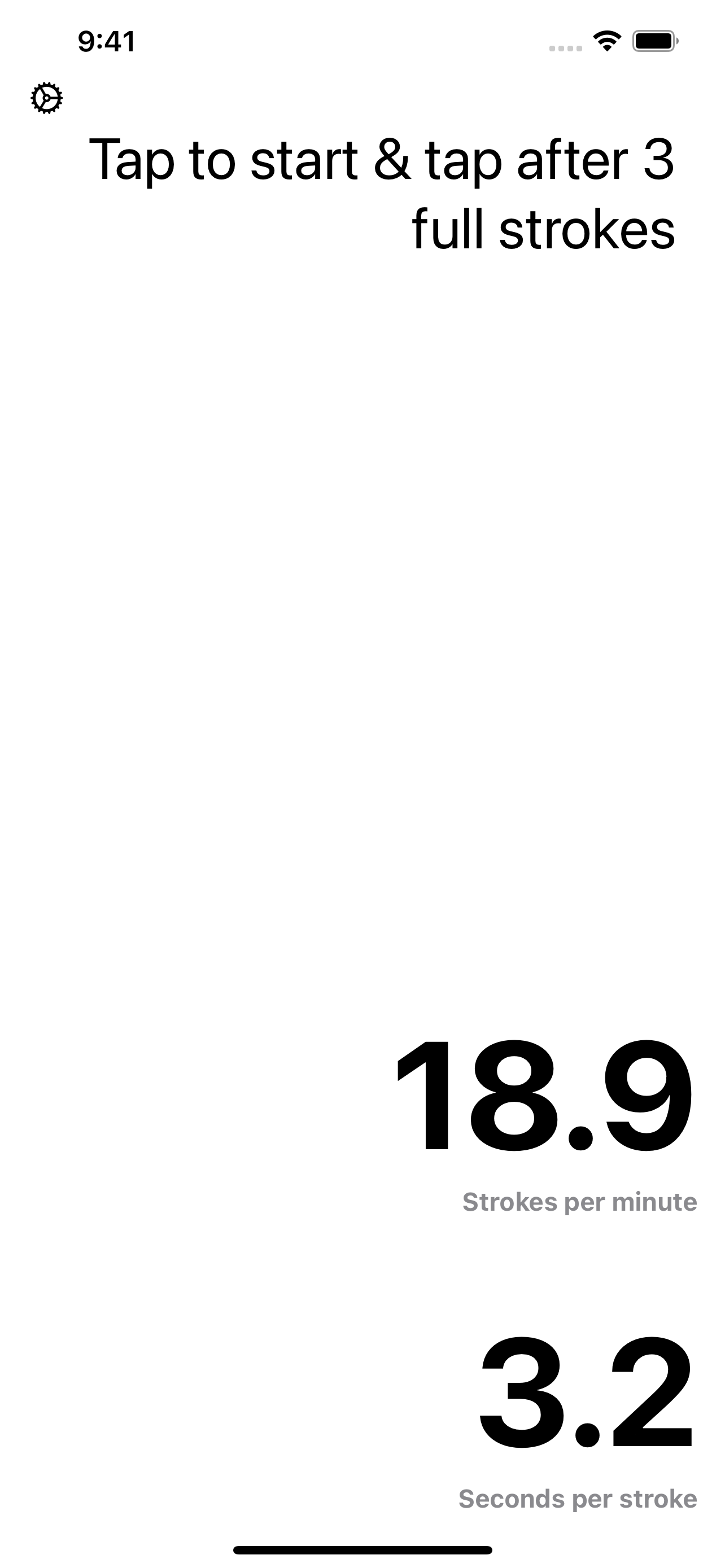
Because paddle sports run at higher cadences than sweep rowing or sculling, you can adjust the number of strokes timed in Settings. Timing five or six strokes at a time smooths out human reaction time and gives you both strokes per minute and seconds per stroke the instant your thumb hits the screen on the final catch.
Built for fast blades and open water
Handles high paddle cadences
Whether your crew is paddling an aerobic piece at 50 SPM or sprinting at 85+ SPM, raise the sample count in Settings to average across 5 to 10 strokes cleanly.
Made for the drummer's seat
Dragon boat drummers and callers can tap the rhythm with one thumb and immediately give the sweep and front row the exact stroke rate.
Spoken results from the coach boat
Turn on spoken results so the app announces the rate aloud. Keep your eyes on top-hand extension and blade entry instead of staring at a stopwatch.
Continuous mode for intervals
With continuous mode enabled, the final tap of one measurement immediately starts the next—ideal for checking whether a crew holds rate through the middle 250m.
Side-by-side history on iPad
Coaches filming or timing from the bank on iPad see a live column of past readings alongside seconds per stroke, making cadence drop-offs obvious.
Works across every paddle discipline
Dragon boat, K1/K2/K4 sprint kayak, C1/C2 canoe, surfski, SUP, and OC1/OC6 outrigger crews all use the exact same catch-to-catch math.
Timing a paddle crew
From the drummer's seat, the sweep's deck, or the safety boat.
- 1
Set your stroke sample in Settings
Use 3 strokes for low-rate technical drills, or increase to 5–8 strokes for high-cadence dragon boat and sprint kayak pieces.
- 2
Tap as the lead blade enters
Watch the front left stroke's blade bury at the catch and tap anywhere on the screen to start timing.
- 3
Count the catches and tap again
Count the chosen number of strokes, then tap on the final catch. Both strokes per minute and seconds per stroke appear immediately.
- 4
Call the rhythm adjustment
If the rate creeps up while boat run drops, call the number and settle the crew back onto target cadence.
Questions from paddle coaches & callers
Something else? Contact support
- Can the app measure high stroke rates like 70 to 100 SPM in dragon boat or K1 sprint?
- Yes. Because paddle cadences are faster than rowing, we recommend opening Settings and increasing the number of strokes timed from 3 to 5, 6, or 8. Timing a slightly larger sample eliminates finger-tap reaction jitter at 70+ SPM.
- Can a dragon boat drummer use this while calling the boat?
- Yes during training sessions. The entire screen acts as the tap button, so a drummer or caller can check the front bench's cadence in a few seconds without looking down.
- Does it work for outrigger canoe (OC6 / OC1) change-outs?
- Yes. Outrigger steerspersons and coaches use it to verify that the crew maintains consistent stroke rate and stroke length before and after cada/change calls.
- Does it require GPS or boat-mounted sensors?
- No. It works purely by timing the interval between catches, which means you can rate your own boat or any crew across the course from the bank.
Dial in your crew's paddle cadence
Trusted on the water since 2014. Download Strokes Per Minute on iPhone, iPad and Apple Watch and try it free for 3 days.