
For indoor rowing
Rate the erg without reading the monitor.
Walk the line of rowing machines and rate any athlete from behind. Strokes Per Minute times strokes the same way on an erg as on the water, and speaks the result so nobody has to stop.

Free to download. Try every feature free for 3 days.
Twelve ergs, twelve monitors, one of you.
An erg session with a squad is a dozen monitors facing a dozen athletes and none of them facing you. The rate drill is at 20, then 24, then 28, and you want to know who is holding it and who is drifting up on the recovery.
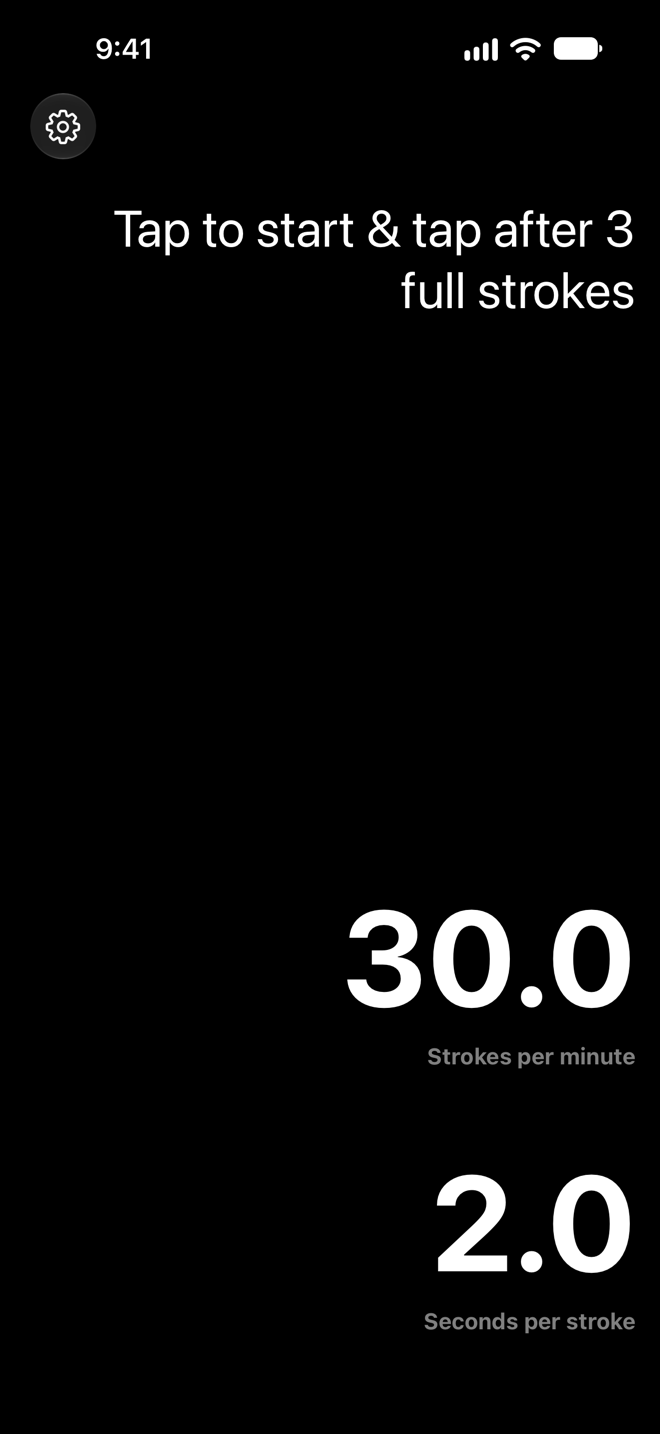
Strokes Per Minute lets you rate any machine from wherever you are standing. Watch the handle, tap as it reaches the catch, count the strokes, tap again. The rate is on the screen, and with spoken results on it is in your ear before you have turned to the next erg.
It is the same app rowers and coaches use on the water, so the number means the same thing indoors as it does in the boat. That makes it easy to carry a rate target from the gym to the river and back.
Why coaches use it indoors
Rate anyone, from anywhere in the room
You do not need to see the monitor or stand beside the machine. Watch the handle, tap at the catch, and you have the rate from across the gym.
Spoken results over the noise
Turn on spoken results and hold the phone near your ear. The rating is read out the moment it is calculated, so the session keeps moving.
A second opinion on the monitor
Monitors average over the last stroke. Timing three or more full strokes shows the rhythm the athlete is actually holding, including the rushed recovery they cannot see.
Dark mode for early sessions
Large numbers in light or dark mode, whichever suits the room at six in the morning.
Works on any machine
Concept2, water rowers, slides, or a dynamic erg with no monitor at all. The app only needs you and a tap.
Keep the lesson on the athlete
Measurements stay on your device and are never sent to analytics. The only person who sees the number is you.
Running a rate drill
A rate ladder or a pyramid on the erg, checked without stopping anyone.
- 1
Set the stroke count for the drill
Three strokes for quick checks. Raise it to five or six in Settings when you want a longer, steadier sample at low rates.
- 2
Stand where you can see the handle
Behind the machine works best. Tap as the handle reaches the catch position.
- 3
Count, then tap again
Tap on the final catch. Read the rate on the screen or let the app speak it. Continuous mode starts the next reading at the same tap.
- 4
Move down the line
Each athlete takes about ten seconds. Twelve ergs, two minutes, no one has stopped rowing.
Questions about erg use
Something else? Contact support
- My erg monitor already shows strokes per minute. Why use the app?
- The monitor shows the athlete their own rate, stroke by stroke. The app lets a coach rate anyone from anywhere in the room over a sample of several strokes, which is a better picture of the rhythm they are holding. It is also the only option on machines without a monitor.
- Does the app measure split, power or distance?
- No. It measures stroke rate and seconds per stroke, and it does that one thing well. Splits and distance stay on the monitor.
- Can athletes use it on themselves?
- Yes, though it is easier with a partner tapping. Rowers mostly use it on the water, or to rate a teammate during a technique session.
- Is there an Apple Watch app?
- Yes. The Watch app shows the stroke rate with a tap. It is popular with coxes and useful on the erg when the phone is across the room.
Rate the next erg session
Trusted by rowing coaches, coxes and athletes since 2014. Download Strokes Per Minute and try it free for 3 days.